

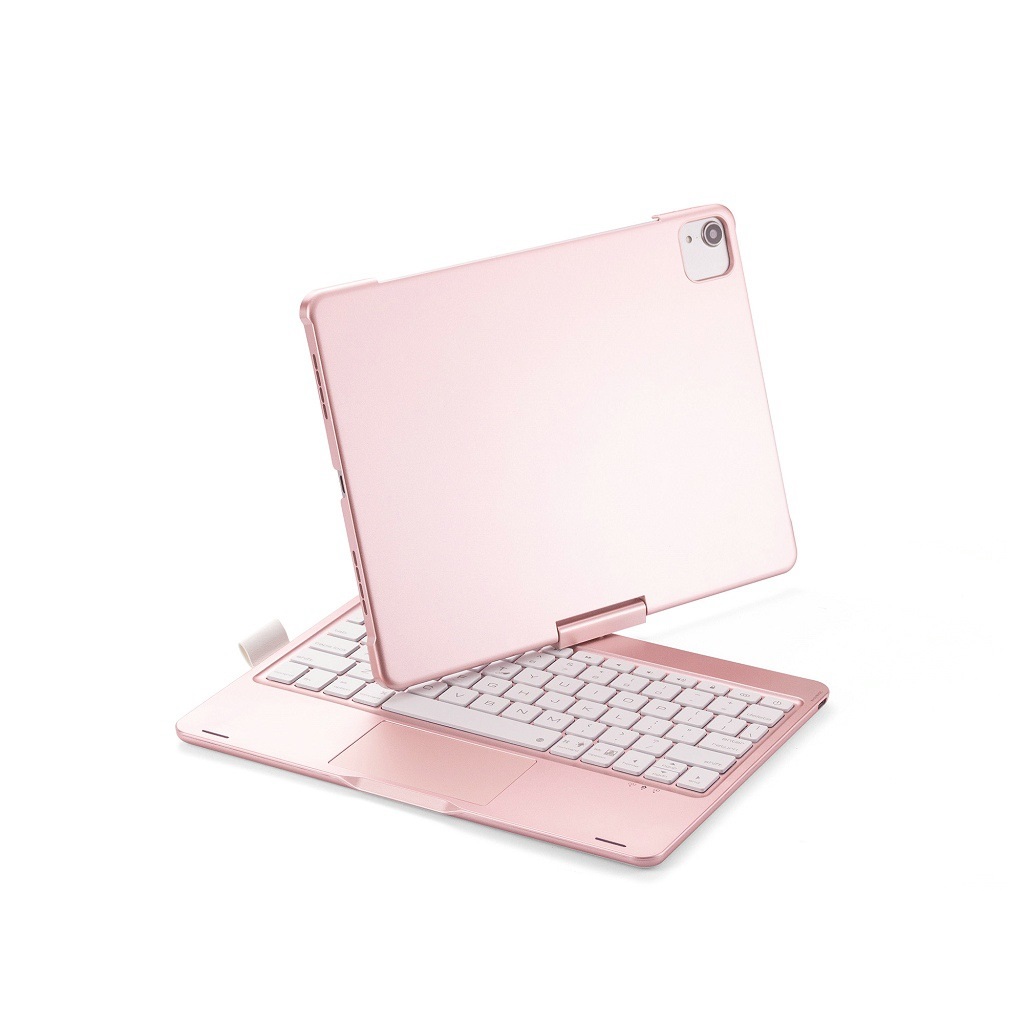
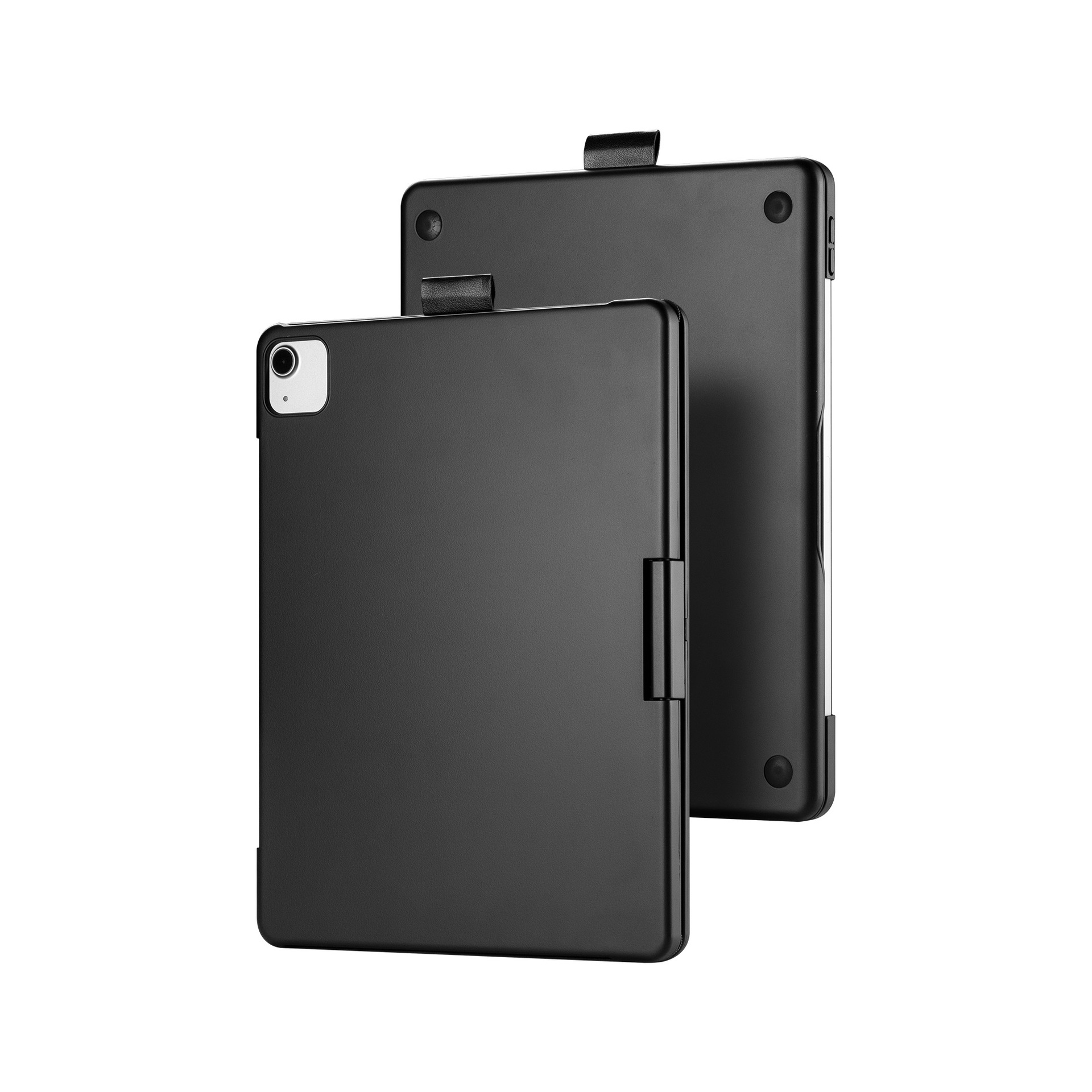
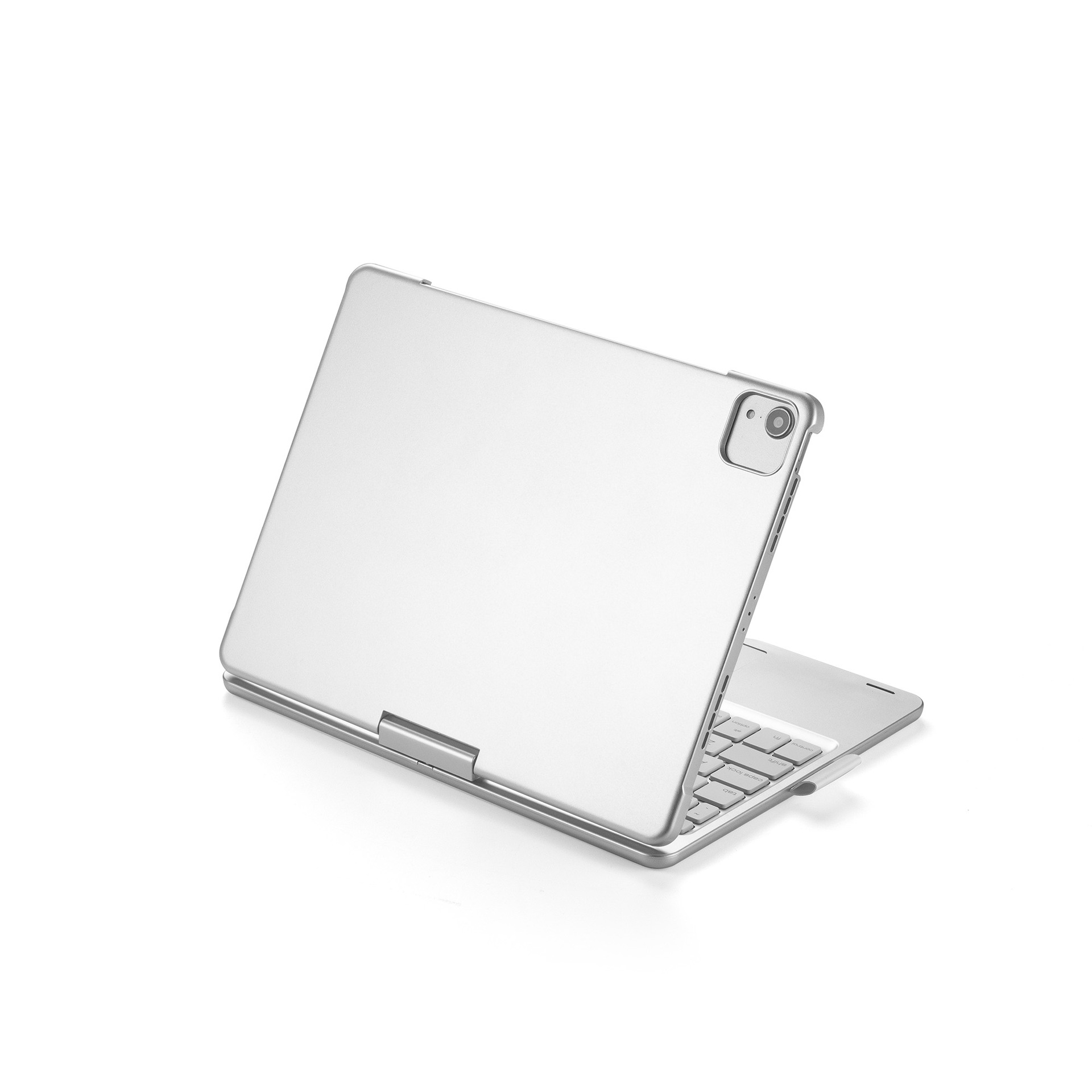
Rotatable Bluetooth iPad Keyboard
Product details
| Management number | 205456877 | Release Date | 2025/10/19 | List Price | $390.00 | Model Number | 205456877 | ||
|---|---|---|---|---|---|---|---|---|---|
| Category | |||||||||
Note:Non-Apple branded products,Compatible with iPhone models
Product information:
iPad Air: iPadAir4 10.9&2021/2020/2018
Model: iPad Pro 12.9 2021/2020/2018
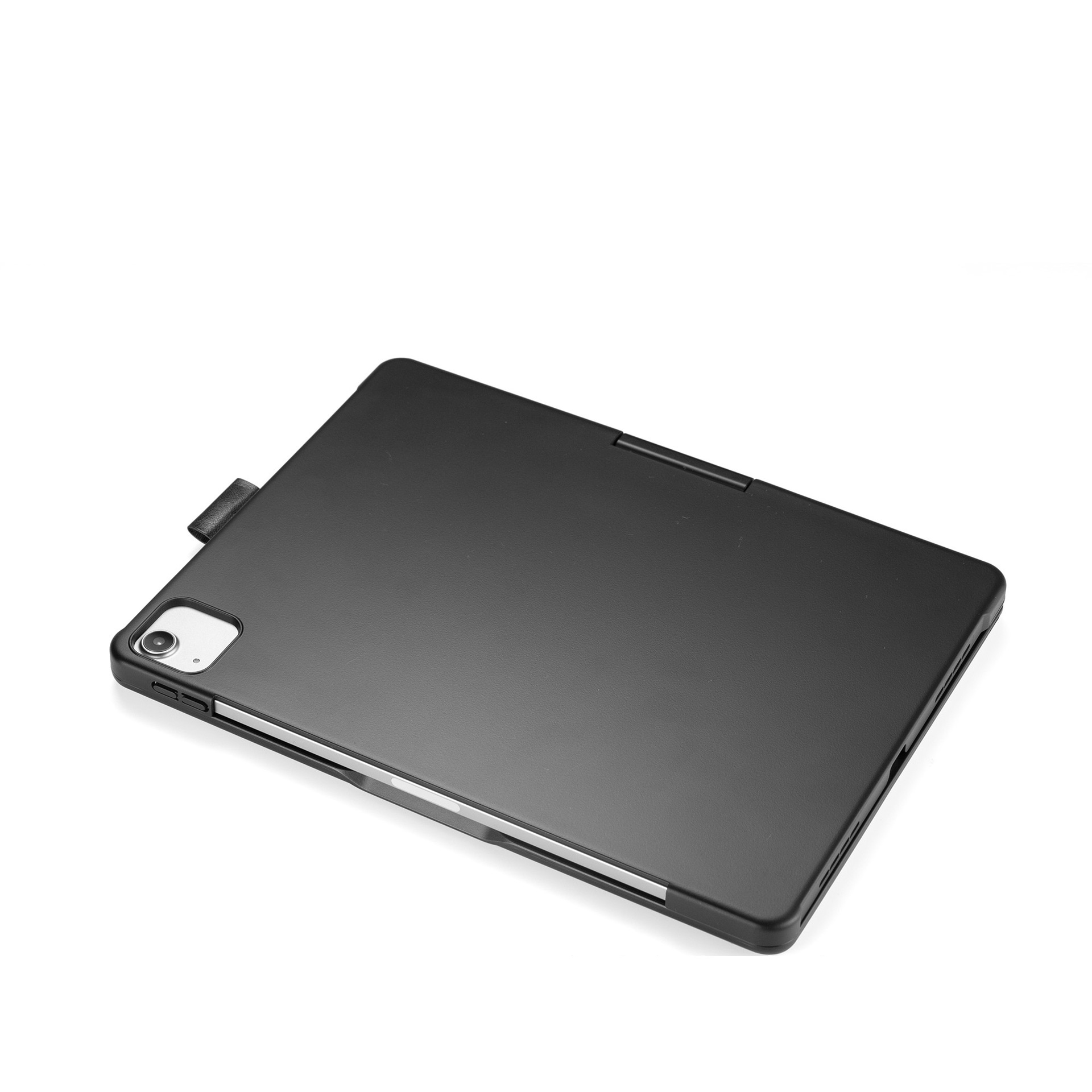
Type: Tablet PC Case
Style: flip type
Material: ABS plastic + PC
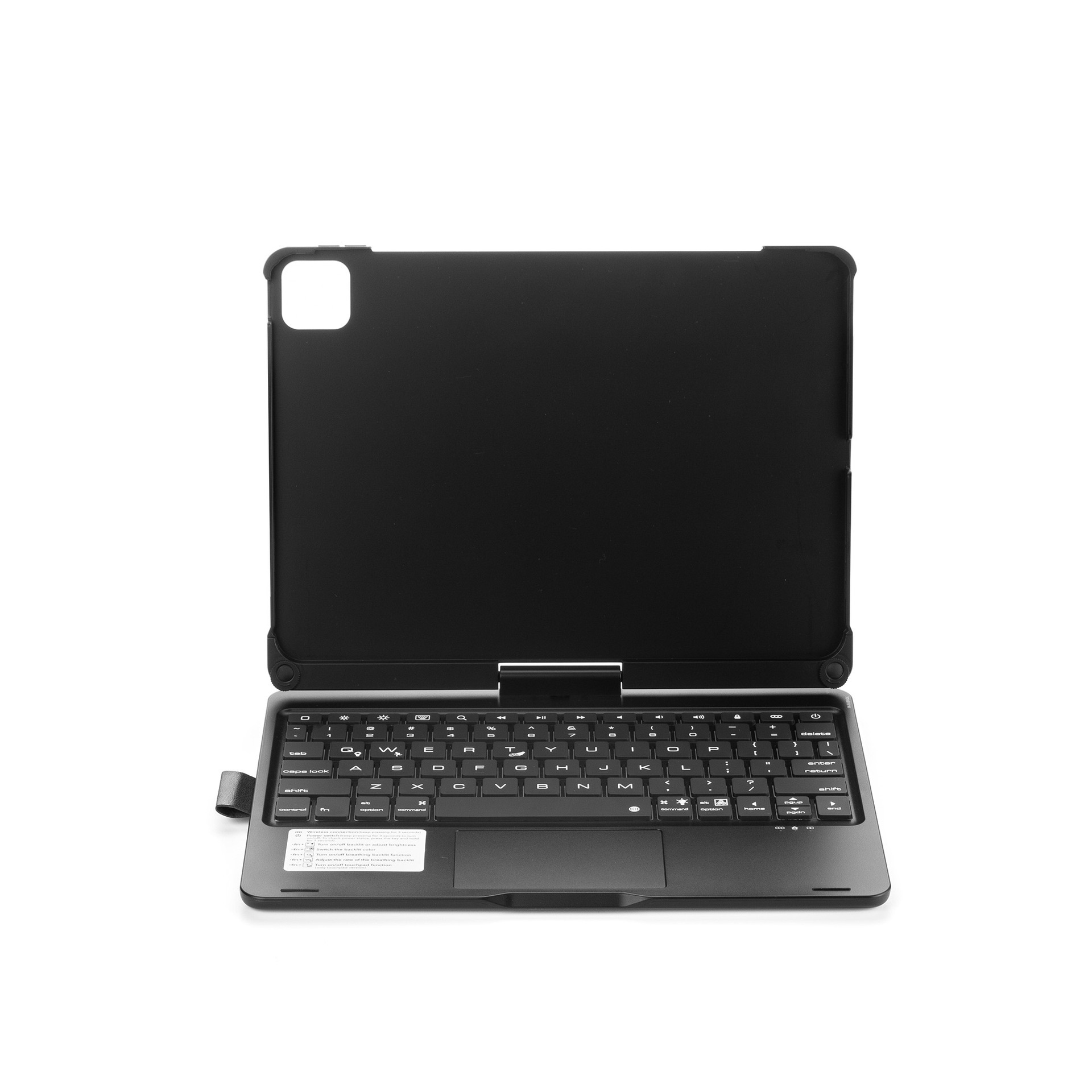
Number of keys: 78 keys
Bluetooth Chip and Version: Bluetooth 5.1
Power supply: built-in high capacity 450 mA rechargeable lithium polymer battery
Operating voltage: 3.0 ~ 5.0 V
Key life times: 50 million
Effective use distance: 10m
Style: simple
Product weight: 1.29 (KG)
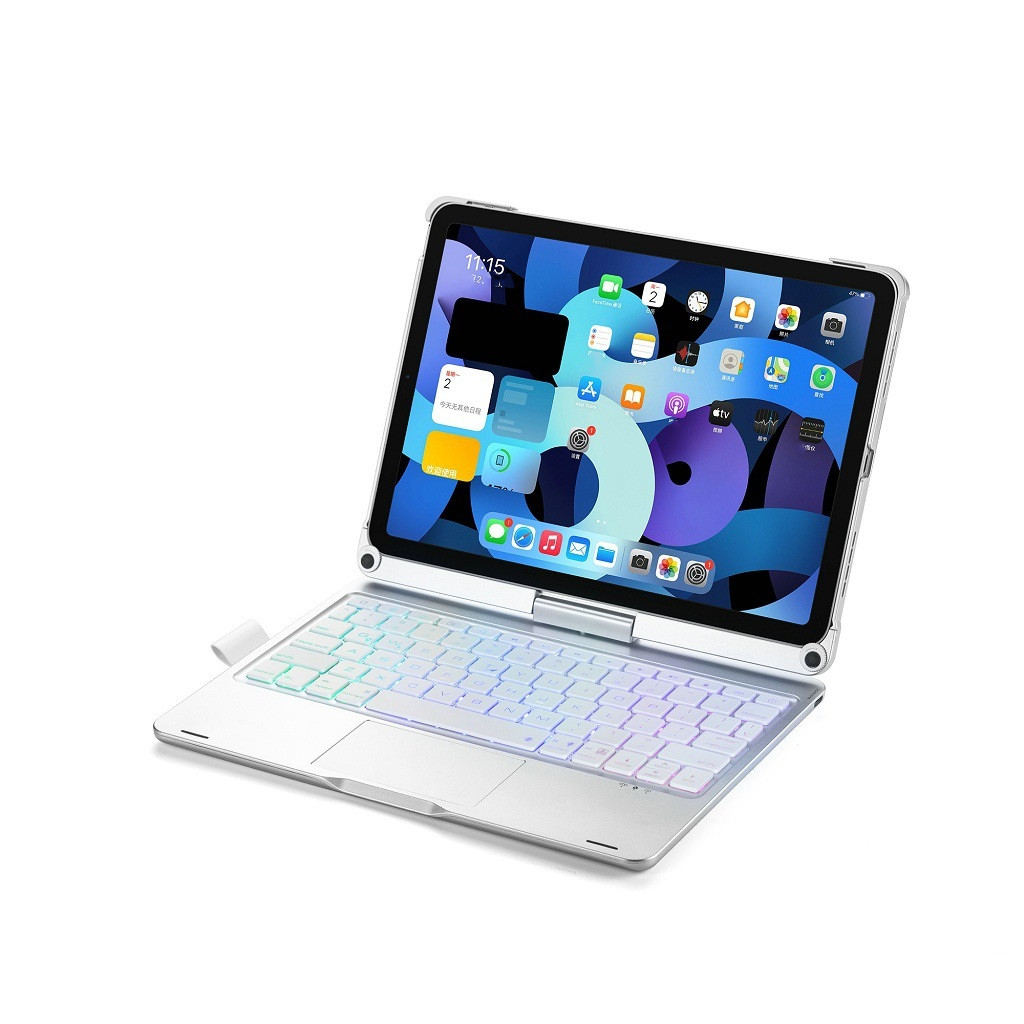
Color: black, silver, rose gold
Features:
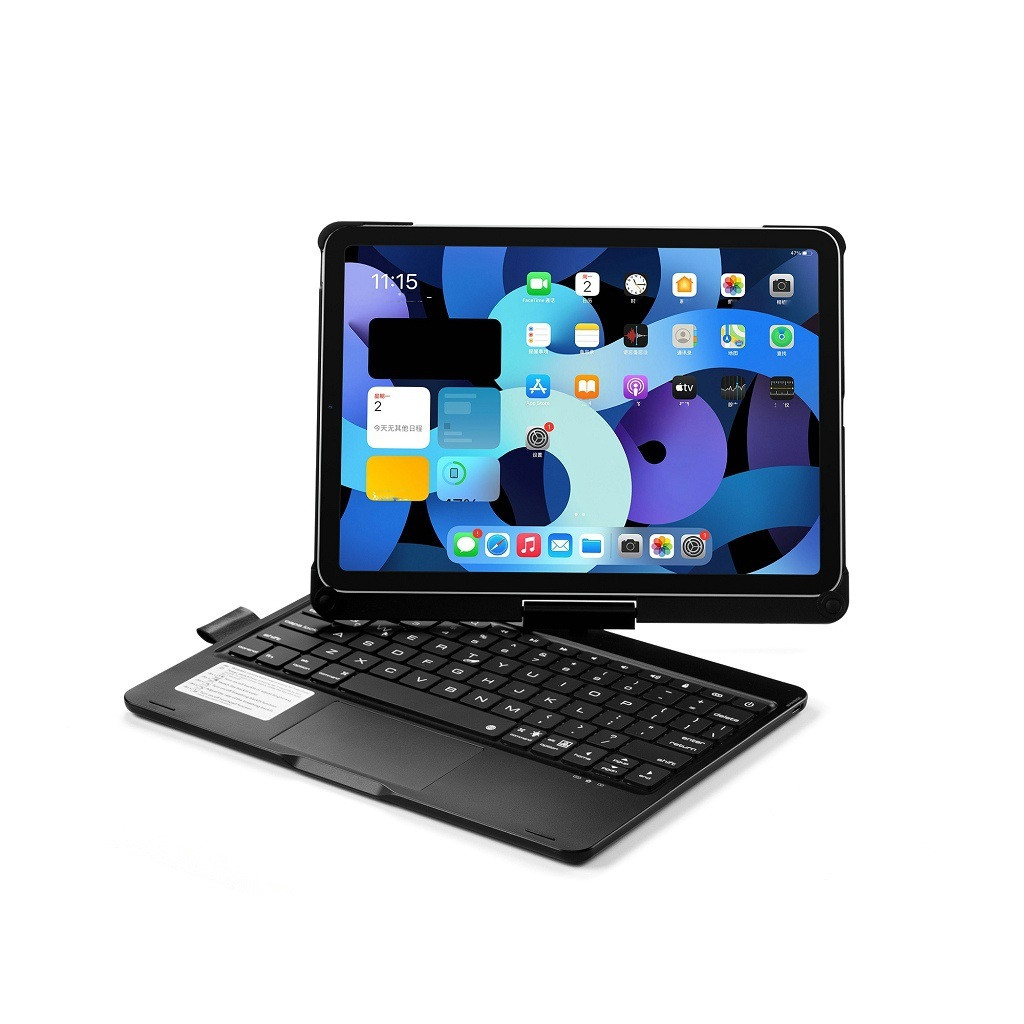
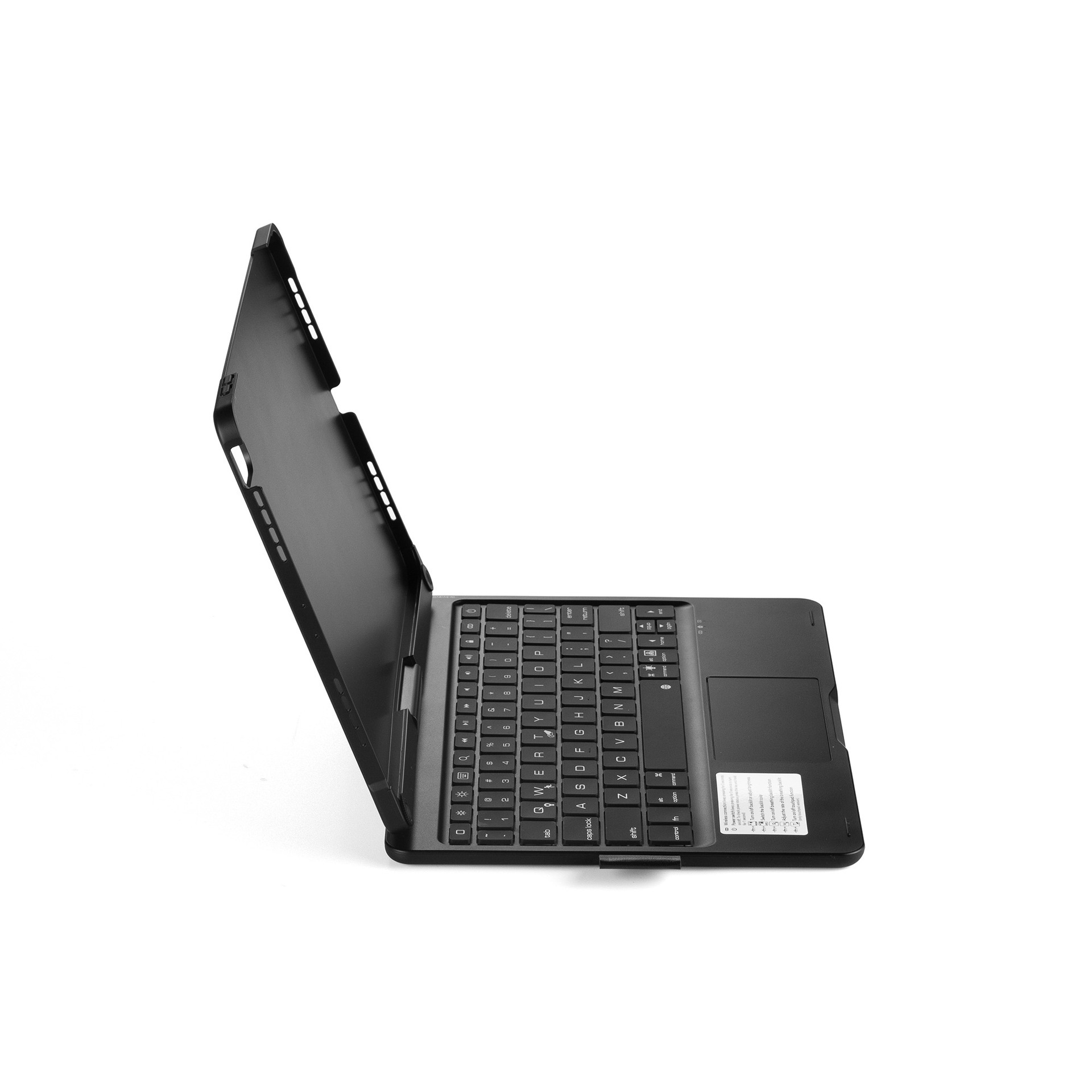
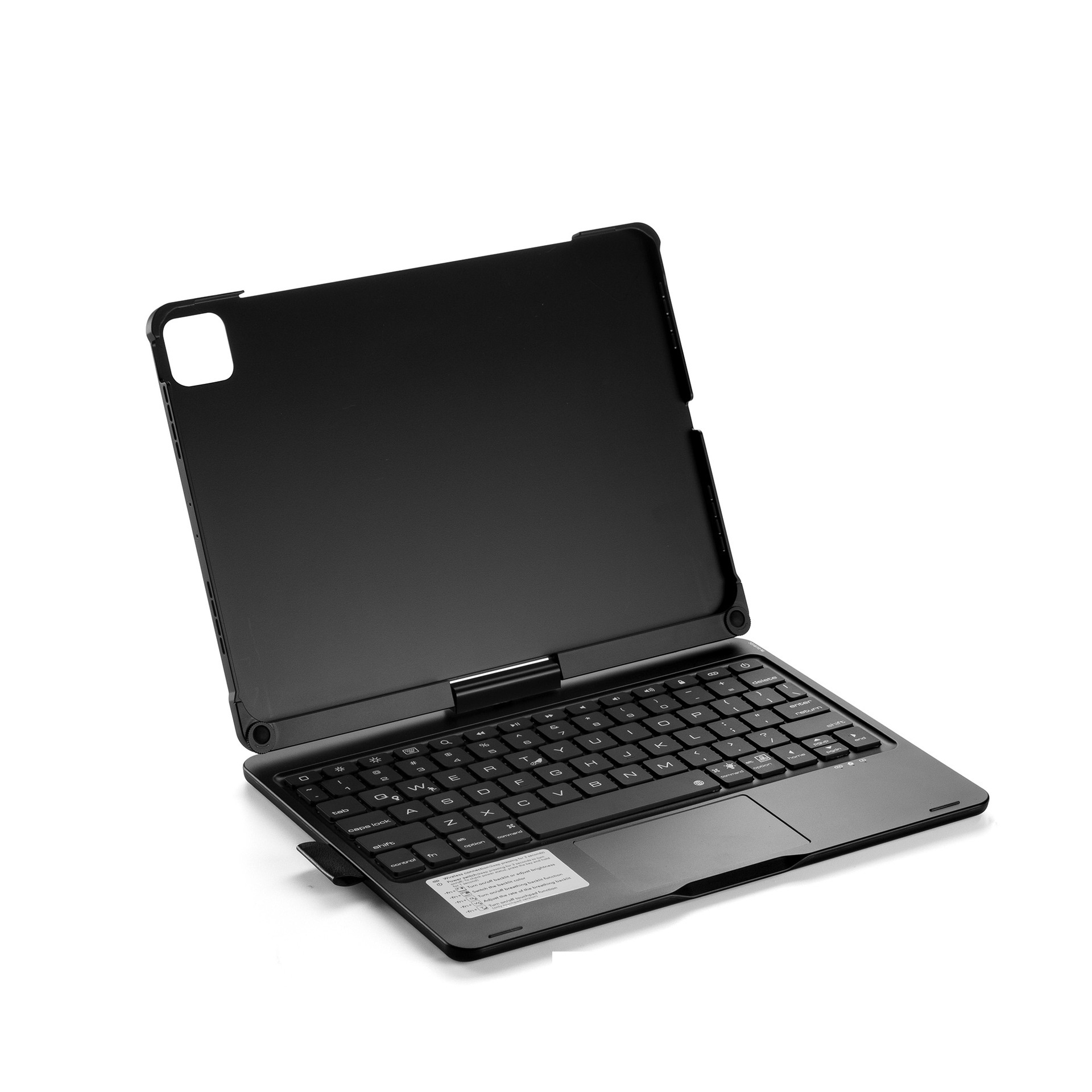
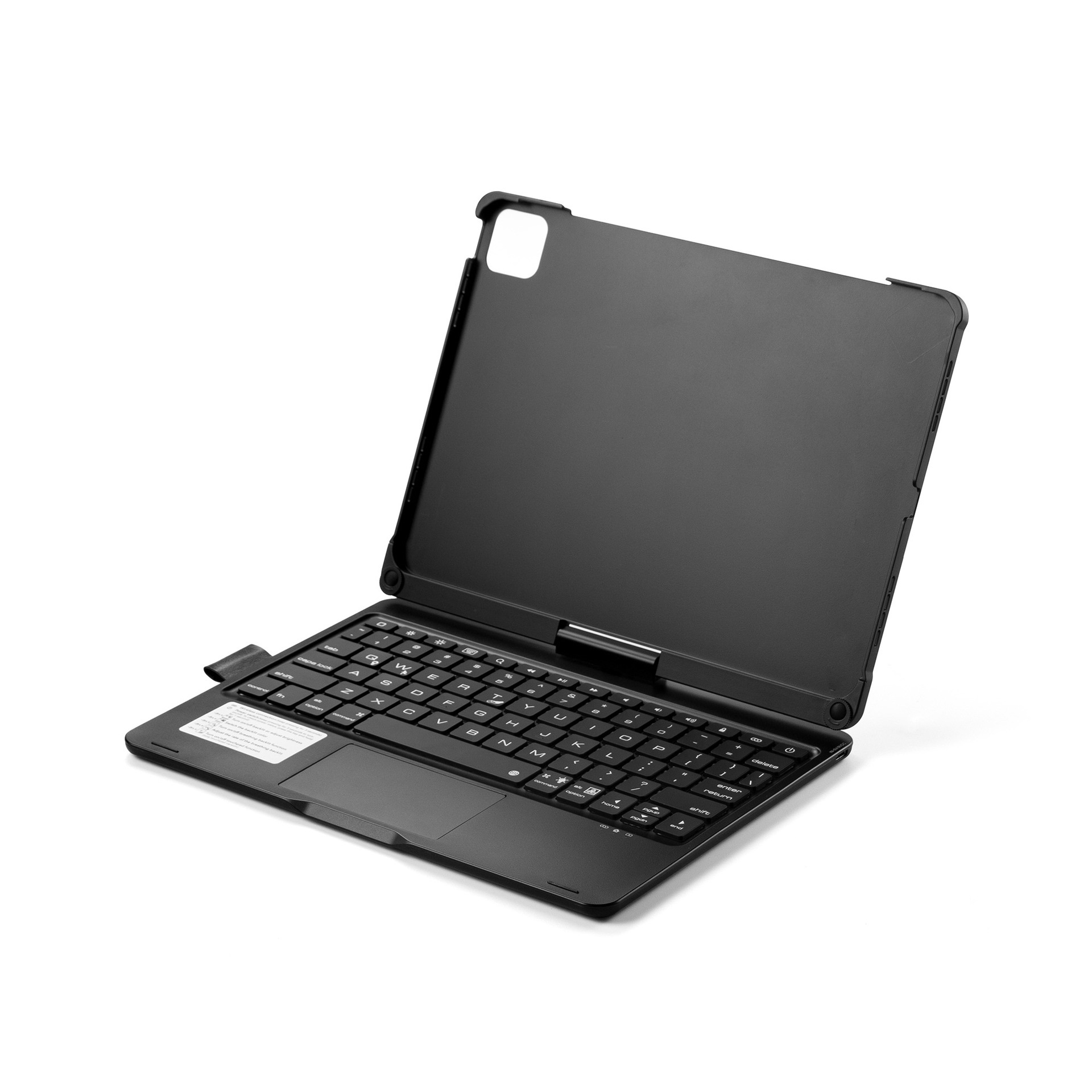
It can rotate 360 degrees horizontally, change and use at various angles; High-quality scissors feet ABS comfortable keys and colorful backlit keyboard with pen case fashion practical keyboard design light and easy to carry is a super cool Bluetooth keyboard!
Bluetooth connection method:
1. Turn on the power switch (that is, turn the switch from OFF to NO), and the blue indicator light will light up after the power is turned on normally (it will automatically go out after about 3 seconds)
2. Turn on the power supply and then turn on the Bluetooth pairing switch Fn + C key (press at the same time). After the Bluetooth pairing switch is turned on, the indicator light will show that the blue light flashes. At this time, it means that Bluetooth is normal and can be paired and connected
3. After the keyboard is turned on, the Bluetooth on the machine is turned on (usually in the settings). After the Bluetooth on the machine is turned on, search for the Bluetooth on the Bluetooth keyboard (usually in English, iPad Keyboard will be displayed) and then click Connect (no need to enter the pairing password). If the connection is successful, it will show that it is connected and you can use the Bluetooth keyboard. If it is prompted that the connection is unsuccessful, you can re-press the steps
Packing list:
Plastic Tablet PC Protective Case*1


Bestseller ranking
Laptop & Tablets


Customers who viewed this product also viewed
Gluten Free


Correction of product information
If you notice any omissions or errors in the product information on this page, please use the correction request form below.
Correction Request Form